
THE CSPLAY FIELD GUIDE
Casual
Room for the whole group.
Set up a private session using CS2’s native Casual rules. It gives a larger group a place to play together without arranging a full competitive team setup.
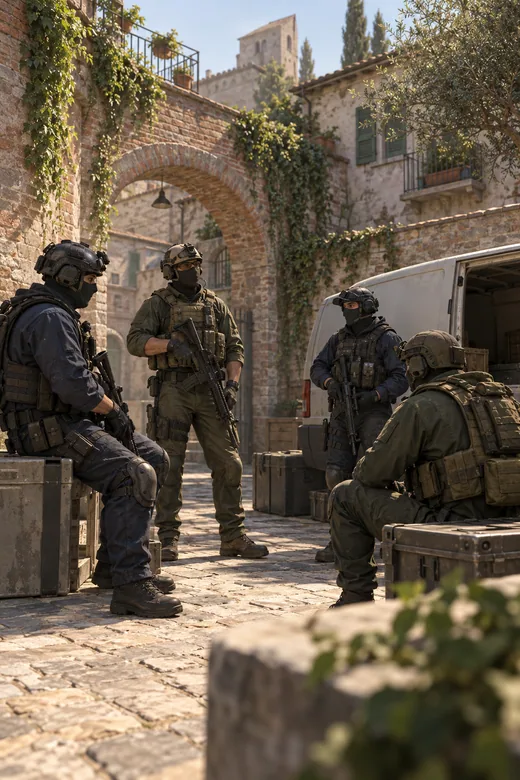
- Match format
- Two teams · up to 20 players
- Good for
- Community sessions and relaxed games with a larger group.
How to play
Create a private lobby and select Public / Casual.
Set the player limit, choose a map and share your invite link.
Prepare the server and join the session through Steam.
Before you join
- Use an invite-only lobby when the session is just for your group.
- Choose a player limit that fits the people who are actually joining.
- Public is the mode’s catalogue label; the privacy setting still controls access to your private lobby.
You need Counter-Strike 2 installed in Steam. Your browser may ask for permission to open Steam when you connect.